Introducing Multiple Views: Personalized Media Monitoring at Your Fingertips
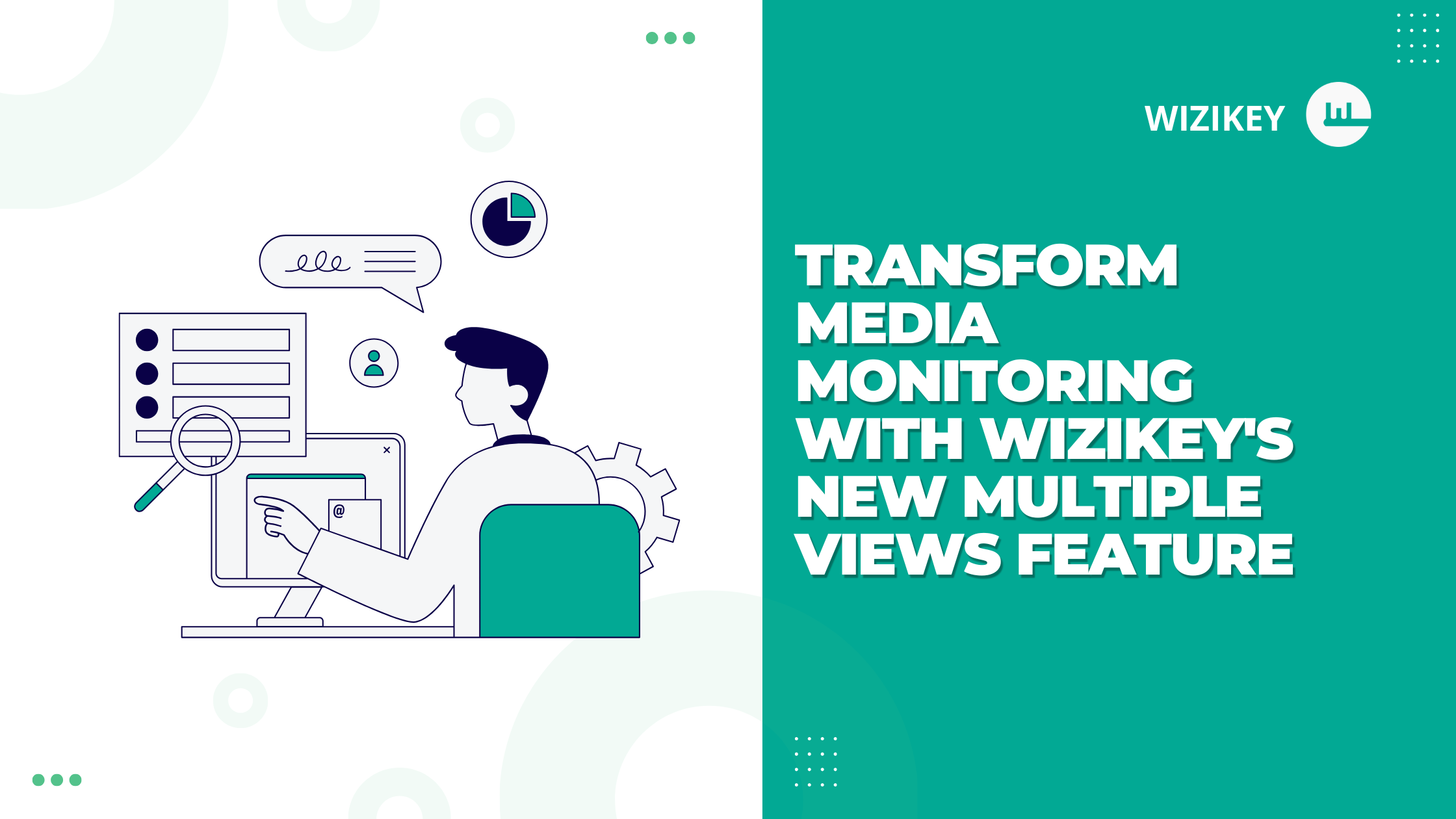
In today’s fast-paced media landscape, PR and communications professionals need tools that adapt to their specific needs. That’s why we’re thrilled to announce the launch of Multiple Views in Wizikey—a powerful new feature that gives you unprecedented flexibility in how you monitor, analyze, and report on media coverage.
What Are Multiple Views?
Multiple Views allow users to create and save different filter combinations within the same project. Think of it as having multiple customized lenses through which to view your media data, each one tailored to specific needs, objectives, or team members.
Key Benefits That Transform Your Workflow
1. Team-Specific Personalization
Different team members often need different insights from the same data. With Multiple Views:
- Your PR director can focus on high-level media trends across key publications
- Your content manager can track specific messaging adoption
- Your regional teams can filter for location-specific coverage
Everyone gets exactly what they need without affecting others’ workflows.
2. Objective-Based Analysis
Media monitoring serves various business objectives. Now you can create distinct views for each:
- Create a “Share of Voice” view that only includes top-tier publications
- Set up a “Message Penetration” view that focuses on coverage mentioning specific keywords
- Establish a “Competitor Analysis” view with filters optimized for tracking industry rivals
3. Smarter Alerts and Reports
Perhaps the most powerful application of Multiple Views is the ability to separate what you monitor from what you report:
- Configure alerts that exclude routine stock news while keeping that data visible in your dashboard
- Generate executive reports that focus on positive sentiment coverage while still tracking all sentiment types internally
- Create daily briefing views that prioritize breaking news while maintaining comprehensive monitoring
Real-World Applications
Case Study: Global Technology Company
A global tech company uses Multiple Views to manage their complex media landscape:
- Executive View: High-level metrics showing only tier-1 coverage
- Product Teams View: Detailed coverage filtered by specific product lines
- Crisis Management View: Real-time monitoring of potentially negative coverage
- Competitive View: Analysis focused on industry competitors
This customization allows their communications team to deliver relevant insights to each stakeholder without creating separate projects or losing data context.
Case Study: PR Agency
A PR agency managing multiple clients uses Multiple Views to:
- Create client-specific views within their agency workspace
- Set up different report templates with pre-configured filters
- Enable junior and senior team members to focus on different aspects of coverage
How to Get Started with Multiple Views
Setting up your first customized view takes just seconds:
- Log in to your Wizikey dashboard
- Navigate to your project
- Click the Modify Project option
- Click on Filters & Views and click on Add New View
- Select your desired filters
- Save and switch between views as needed
Each saved view maintains its own filter combination while drawing from the same underlying data.
Users can also use advanced filters to set up their view with custom Boolean as well.
Maximizing Value Through Strategic View Creation
To get the most out of Multiple Views, consider these strategic approaches:
Role-Based Views
Create views tailored to different roles in your organization:
- C-Suite View: High-level metrics and key message adoption
- PR Team View: Comprehensive monitoring with detailed filters
- Regional Teams View: Geographically filtered coverage
Objective-Based Views
Design views around specific business objectives:
- Brand Health View: Focus on sentiment and message adoption
- Campaign Performance View: Filter for campaign-specific keywords and metrics
- Crisis Monitoring View: Real-time tracking of potential issues
Reporting-Optimized Views
Configure views specifically for different reporting needs:
- Daily Briefing View: Breaking and important news only
- Weekly Report View: Filtered to highlight key metrics for stakeholders
- Quarterly Review View: Broader trends and comparative analysis
The Future of Customized Media Intelligence
Multiple Views represents a significant step forward in how PR professionals interact with media data. By enabling greater personalization, team collaboration, and reporting flexibility, Wizikey continues to evolve media monitoring from simple tracking to strategic intelligence.
The feature reflects our ongoing commitment to creating tools that adapt to your workflow—not the other way around.
Want to learn more about using Multiple Views effectively? Contact your account manager for a personalized walkthrough or training session.
Register Now