Not All Coverage Means the Same Thing
Ever noticed how two PR teams can read the same article—and walk away with completely different insights?
That’s because media coverage isn’t one-dimensional.
An IPO story could be:
- Stock market news
- A brand milestone
- Part of a larger funding narrative
A CXO quote could signal:
- Thought leadership
- Or a reactive comment tied to a news cycle
The reality?
Context changes everything.
The Problem: Context Lives Outside Your Dashboard
PR teams already understand nuance.
But most tools? Not so much.
So what happens?
Teams turn to spreadsheets.
- To explain why coverage happened
- To label it correctly
- To add the context dashboards miss
It works—but it’s messy.
And worse, it lives outside your system, disconnected from your actual data.
Introducing Custom Tags in Wizikey
Now, that missing context finally has a home.
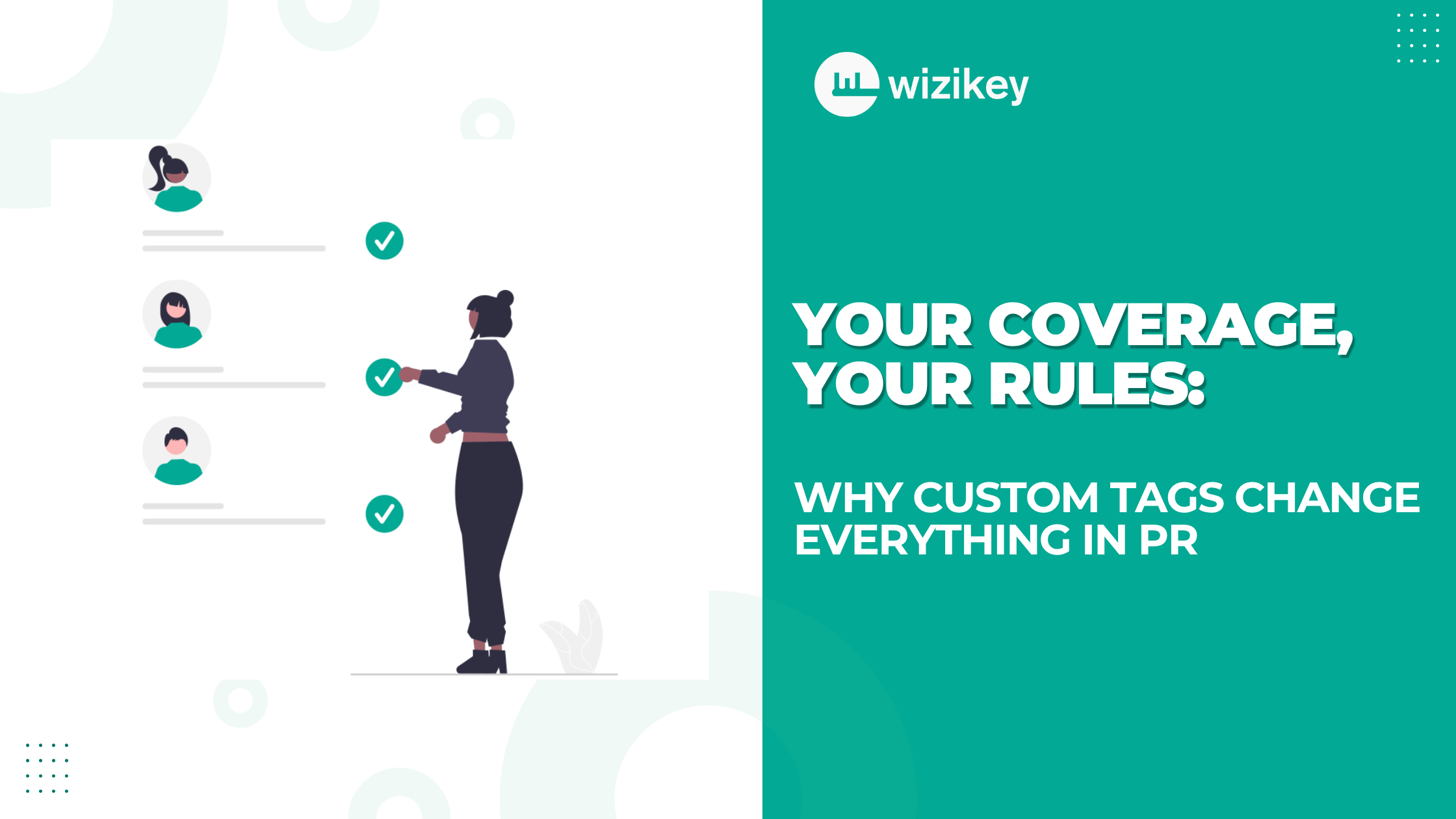
With Custom Tags, you can define exactly what each media mention represents—your way.
No fixed buckets.
No imposed logic.
Just complete flexibility.
You can tag coverage as:
- Executive Quote
- Thought Leadership
- Listing News
- Funding News
- CXO Appointment
- Or anything that fits your strategy
Because your PR strategy isn’t generic—your analytics shouldn’t be either.
Tag Smarter. Work Faster.
Managing large volumes of coverage? We’ve got you covered.
You can simply select all relevant mentions together and assign them a tag of your choice in one go.
No repetitive work.
No switching between tools.
Just fast, intuitive tagging—right where your data already lives.
When Context Improves, Reporting Transforms
Once your coverage is tagged meaningfully, everything changes.
See What Actually Drove Coverage
Understand which narratives are working—and which aren’t.
Compare Campaigns on Your Terms
Measure success based on your definitions, not generic categories.
Track Competitors More Intelligently
Spot where others are winning—and why.
Export Insights That Reflect Your Thinking
Download clean, structured data into CSV—ready for reporting, presentations, or deeper analysis.
You don’t need to sort anything manually.
Plus, there’s no rework involved.
And most importantly, your context stays intact.
How to Create and Add Custom Tags
Adding tags is fast—and built right into your workflow.
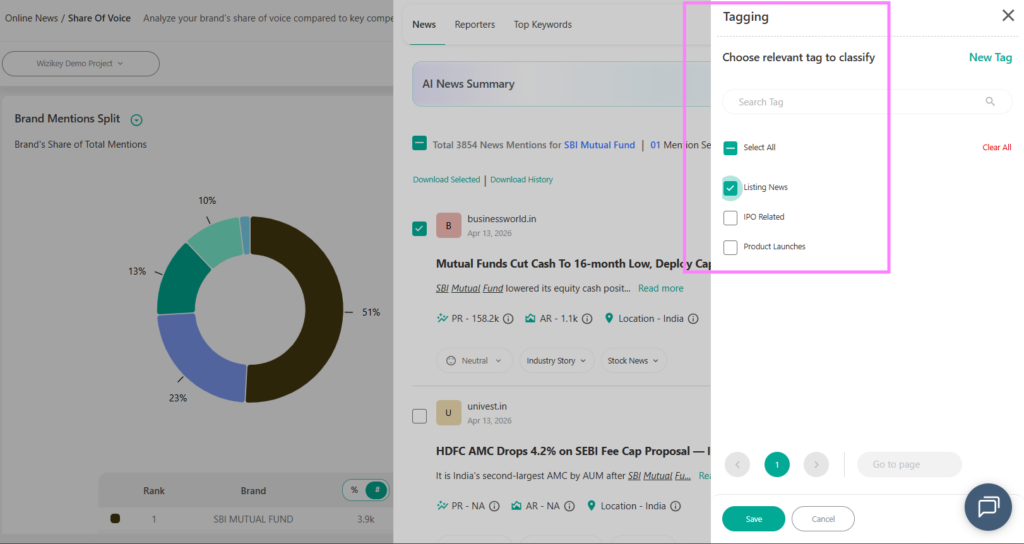
Create a Tag
- Select one or more mentions
- Click the tag icon (fourth from the right, top-right bar)
- In the window, pick an existing tag or type a new one
- Create and assign instantly
Add Tags to Mentions
For a single mention:
Select it → Click the tag icon → Choose or create a tag
For multiple mentions:
Select all relevant mentions → Click the tag icon → Assign a tag in one go
Why It Works
No extra steps.
No switching tools.
Just quick tagging—exactly where your data lives.
Why This Matters Now
PR is no longer just about tracking mentions.
It’s about understanding impact.
And impact comes from context.
Without it, you’re just counting coverage.
With it, you’re uncovering real insights that drive strategy.
Take Control of Your Coverage
Not all coverage means the same thing.
Now, your dashboard knows that too.
👉 Try Custom Tags today and start tagging coverage the way you see it.
6) FAQs
1. What are Custom Tags in Wizikey?
Custom Tags allow you to categorise media mentions based on your own definitions, giving you more control over how coverage is analysed and reported.
2. Why are Custom Tags important for PR teams?
They help add context to coverage, enabling better analysis, clearer reporting, and more accurate measurement of campaign performance.
3. Can I tag multiple mentions at once?
Yes, you can select a group of mentions together and assign a tag in one action, making the process fast and efficient.
4. How do Custom Tags improve reporting?
They allow you to analyse coverage based on meaningful categories, compare campaigns effectively, and generate insights aligned with your strategy.
5. Do Custom Tags replace spreadsheets?
Yes. They eliminate the need for manual tagging and context-building outside the platform by bringing everything into one unified system.
6. Can I customise tags based on different campaigns?
Absolutely. You can create and apply tags that match the specific needs of each campaign or reporting requirement.
7. How does this help with competitor analysis?
By tagging coverage consistently, you can compare your performance with competitors based on the narratives and categories that matter to you.